What to Include in a Mobile App Brief
A practical, no-fluff guide to writing a mobile app brief that gets you an accurate quote instead of a vague range — what to include, what to leave out, and a checklist to copy.
Most app briefs we receive fall into one of two camps. Either they are a single sentence — "We want an app like Uber but for X" — or they are a forty-page specification that pins down screen colours but never says who the app is for or what success looks like. Both make accurate quoting almost impossible, and both usually lead to the same outcome: a wide, hedged price range and a project that drifts.
A good brief does one job. It gives whoever is pricing the work enough signal to scope it honestly, without forcing you to make decisions you are not yet equipped to make. This guide walks through what actually belongs in that document. It is written from the design and discovery side of the table, where we spend the first week of most engagements untangling briefs into something buildable.
Start with the problem, not the solution
The single most useful paragraph in any brief is the one that describes the problem in the user's terms — before any mention of an app. "Field technicians waste 30–45 minutes a day re-entering job notes from paper into our desktop system, and roughly 1 in 10 jobs gets logged wrong" tells us far more than "we need a job-logging app." It tells us where the value is, how to measure success, and which features are load-bearing versus decorative.
Write two or three sentences on the problem, who has it, and what they do today instead. If your honest answer to "what do they do today" is "nothing, this is a brand-new behaviour," say that too — it changes the risk profile and the design approach considerably.
Name your users and their single most important job
Apps fail when they try to serve everyone equally. Be specific about who the primary user is. Not a demographic — a role and a context. "A 50-something allotment gardener checking the app outdoors, one-handed, in bright sun, on an older Android phone" is a design brief in one line. It implies large tap targets, high contrast, offline tolerance, and modest hardware assumptions.
Then commit to the one job that matters most. We borrow the "jobs to be done" lens here: what is the user hiring this app to do in the moment they open it? If you can only get one thing perfect in v1, what is it? Founders often resist this question because every feature feels essential. It is the most valuable constraint you can hand a team, because it tells us what to protect when time and budget get tight — and they always do.
Features: be ruthless about must-have vs nice-to-have
List your features, then sort every one into exactly two buckets: must-have for launch and everything else. Resist a third "should-have" bucket; it is where scope goes to quietly double.
The reason this matters is arithmetic. In our experience, founders' first feature lists are typically two to three times larger than what a focused first release needs. Each "small" feature carries hidden cost: states for empty/loading/error, edge cases, settings, and ongoing maintenance. A feature is rarely a single screen — it is a screen plus the half-dozen things that can go wrong around it.
A useful test for the must-have bucket: if you removed this feature, would the app still solve the core problem from your first paragraph? If yes, it is a nice-to-have. Push it to a later phase. You are not deleting it; you are sequencing it.
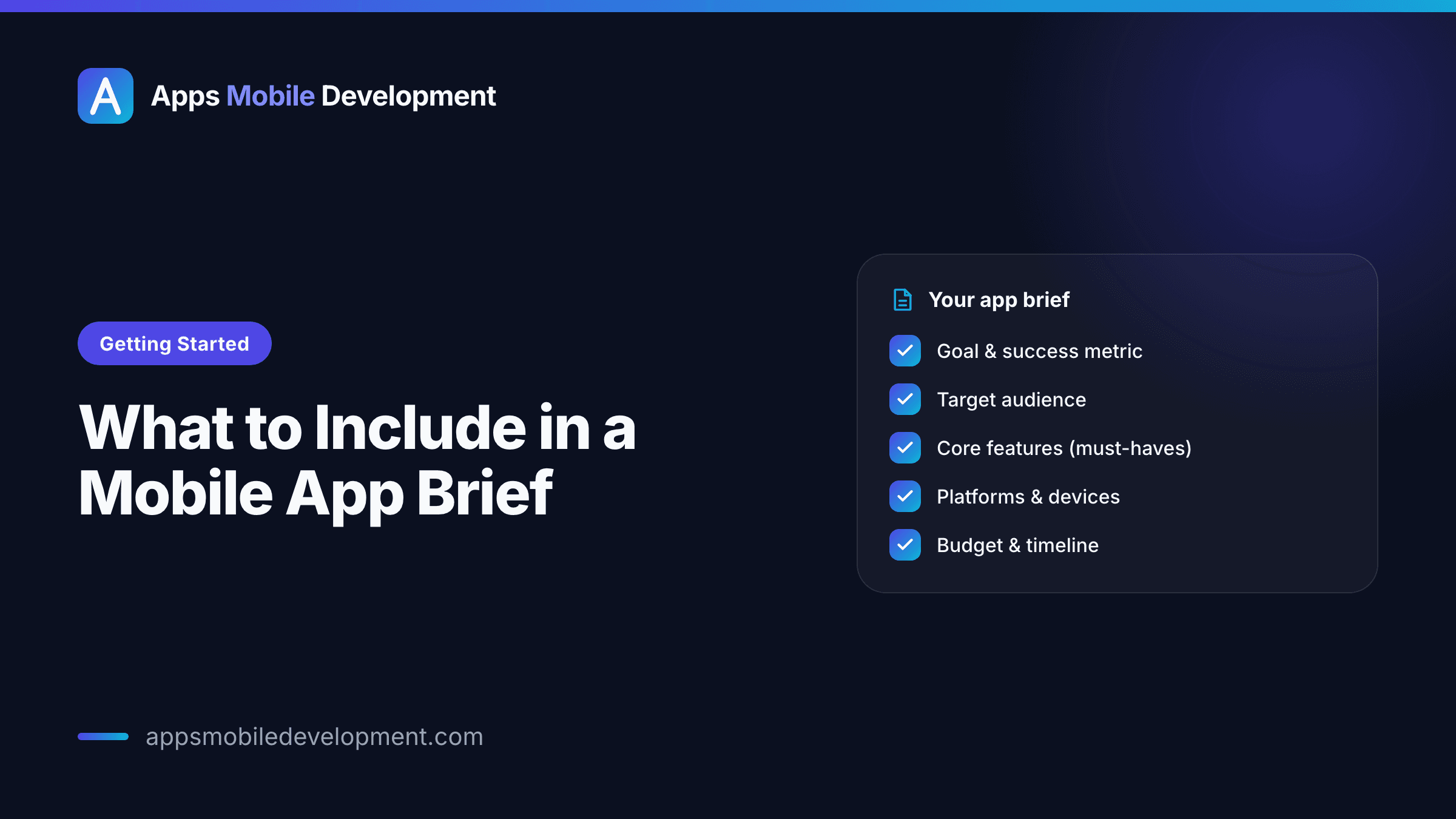
Here is the whole thing at a glance — the eleven points a strong brief covers, grouped by what each one is really for:
Getting started
The 11-point mobile app brief
Answer these 11 points honestly and most teams can quote your app accurately.
The why
- 1The problemIn the user's terms
- 2Primary userRole, context, device
- 3The one jobWhat v1 must nail
The scope
- 4Must-have featuresThe launch list, kept short
- 5Nice-to-havesEverything else, for later
The build
- 6PlatformsiOS, Android, or both + split
- 7Design stateZero, brand only, or Figma
- 8IntegrationsPayments, auth, existing APIs
The guardrails
- 9Content & dataWho owns it; which regions
- 10Success metricsOne or two measurable wins
- 11Budget & timelineA real range and hard dates
Keep it to 1–2 pages. A brief is the start of a conversation, not a contract — leave the tech stack, schema, and edge cases to discovery.
Platforms, and why they drive cost
State which platforms you need at launch: iOS, Android, or both. This is one of the largest single levers on cost, so it deserves a real decision rather than a reflexive "both, obviously."
Building two native apps means, roughly, two engineering efforts — not quite double, because design and backend are shared, but the client-side build and testing roughly duplicate. A cross-platform build (React Native or Flutter) shares most of one codebase across both stores, which is usually cheaper up front, with tradeoffs around very performance-heavy or hardware-deep features. If you genuinely do not know which way to go, that is fine — note your audience instead. "Our customers are 70% iPhone in the US" is a decision input; we can take it from there.
If your budget is tight, launching on one platform first is almost always the right call. Pick the platform where your users actually are, validate the product, then expand.
Design state: brand, Figma, or zero
Tell us honestly where your design starts:
- Zero — no brand, no designs, just the idea. Expect a design phase up front.
- Brand only — you have a logo, colours, maybe a website, but no app screens.
- Figma in hand — you have high-fidelity app designs already.
None of these is wrong, but they imply very different amounts of work and very different costs. The expensive surprise is a brief that says "designs are basically done" attached to a Figma file that is actually three rough wireframes. Be candid; over-claiming here just relocates the cost to later, usually with interest.
Integrations and third-party services
List anything the app must talk to: payment (Stripe, in-app purchase), auth (Apple/Google sign-in, an existing SSO), maps, an existing API or backend, a CRM, analytics, push notifications, messaging. Each integration is a unit of work and, often, a unit of risk — especially if it is an older internal system without clean, documented endpoints.
If the app depends on an existing backend, say whether it has a documented API or whether one needs building. "We have a REST API with OpenAPI docs" and "we have a fifteen-year-old database someone will need to wrap" are wildly different scopes wearing the same word.
Content, data, and privacy basics
Two questions that quietly shape a lot of work:
- Who provides the content? Copy, images, product data, legal text. If the app launches with an empty shell because nobody owned content, that is a launch blocker that has nothing to do with engineering.
- What personal data does it handle, and where are your users? If you serve the EU or UK, GDPR applies; if you serve California, CCPA-style rules apply. You do not need a legal memo in the brief, but you do need to flag if you are collecting sensitive data (health, location history, anything about children), because it changes consent flows, storage, and sometimes the entire architecture. Health and kids' data in particular carry extra rules. Name it early; retrofitting privacy is painful.
Success metrics
How will you know the app worked? Pick one or two measurable outcomes tied to the problem statement — onboarding completion, weekly active users, jobs logged per day, support tickets reduced. Vague goals ("get traction") produce vague products. A concrete metric also helps a good team push back usefully: if a proposed feature does not move your metric, it is a candidate for a later phase.
Budget range and timeline (yes, share them)
Hiding your budget is the most common own goal in a brief. The fear is that naming a number means you will be quoted exactly that number. In practice the opposite is more common: without a range, every quote is a guess, scopes are mismatched, and you spend weeks comparing proposals that solved different problems at different sizes.
Give a range and any hard timeline. "Roughly $25k–$40k, want to launch before our autumn trade show" lets a team design a scope that actually fits, and tell you honestly if your expectations and budget are in different postcodes. That honesty early is worth far more than a flattering number that falls apart in month two. If you only have a ceiling, share the ceiling.
What you do NOT need to figure out yet
Briefs stall because people think they must answer everything first. You do not. Leave these to discovery:
- Exact tech stack and architecture — our job, informed by your needs.
- Database schema and API design.
- Final visual design, pixel spacing, animation details.
- Every edge case and error state.
- Scalability for users you do not have yet — build for plausible, not hypothetical.
A brief is a starting point for a conversation, not a contract. Over-specifying the wrong things wastes your time and can lock in decisions before anyone understands the problem.
A brief template you can copy
Keep it to one or two pages:
- The problem — 2–3 sentences, in the user's terms.
- Primary user — role, context, device.
- The one job — what the app must nail in v1.
- Must-have features — the launch list, kept short.
- Nice-to-haves — everything else, for later phases.
- Platforms — iOS, Android, or both, plus your audience split.
- Design state — zero, brand only, or Figma in hand.
- Integrations — payments, auth, existing systems, etc.
- Content & data — who provides content; what personal data, which regions.
- Success metrics — one or two measurable outcomes.
- Budget range & timeline — a real range and any hard dates.
If you can answer those eleven points honestly, you have a brief most teams can quote accurately — and you will get proposals that are actually comparable.
If you are staring at a blank page and unsure how to size any of this, a short discovery call is usually faster than a perfect document. Bring the messy version; shaping it is the work we do first anyway.

Written by
Priya Shah
Product Designer
Priya is a product designer with seven years across mobile UX, design systems, and usability research. She has worked as a senior product designer on B2C apps and as a freelance design partner for early-stage founders. She turns fuzzy ideas into testable flows and high-fidelity, accessible interfaces.
More from the blog
 Budgeting
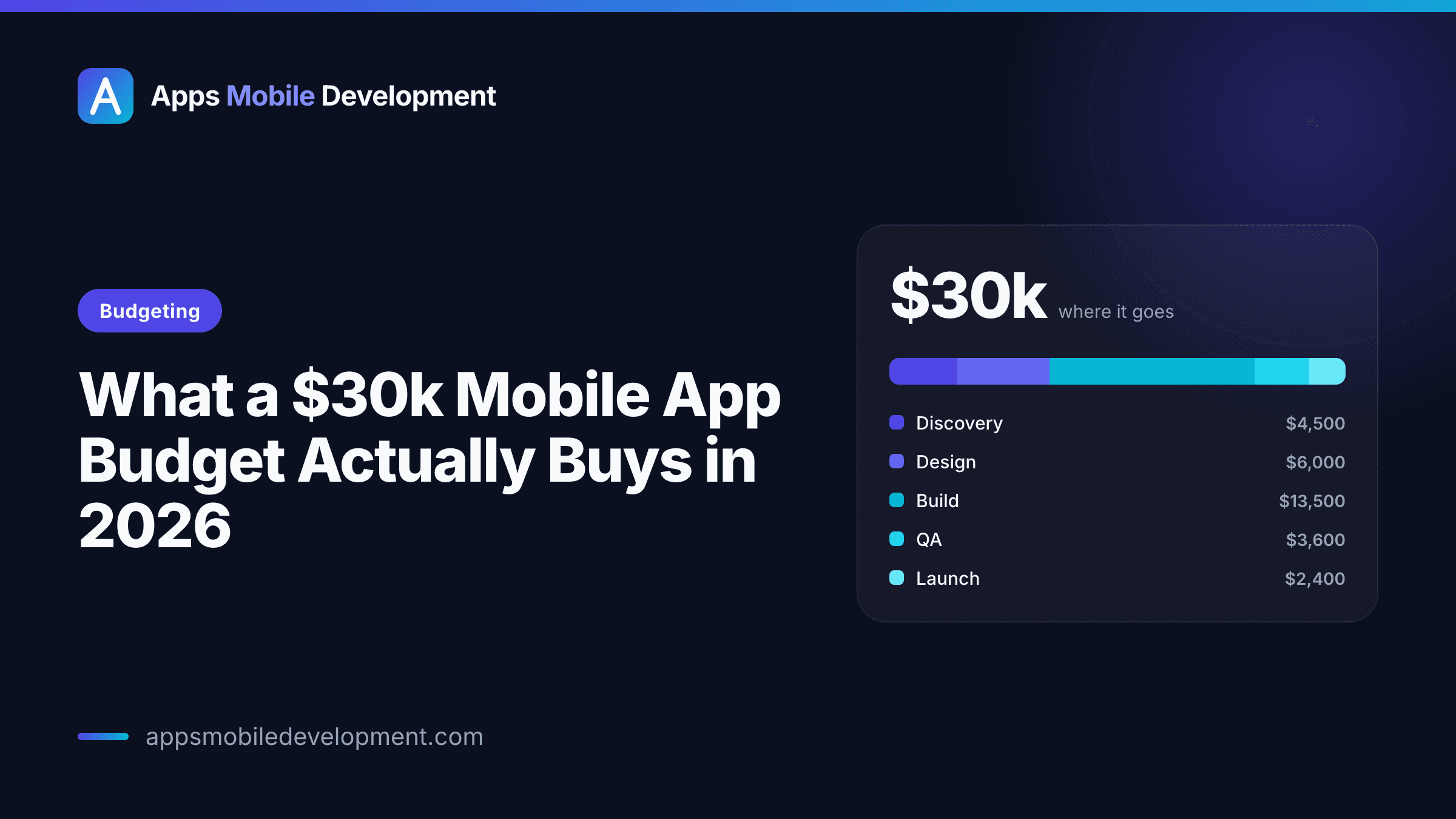
What a $30k Mobile App Budget Actually Buys in 2026
A frank breakdown of what USD 30,000 realistically gets you for a mobile app in 2026 — where the money goes, what a 30k scope can and can't include, and how to make it stretch.
Alex Rivera7 min read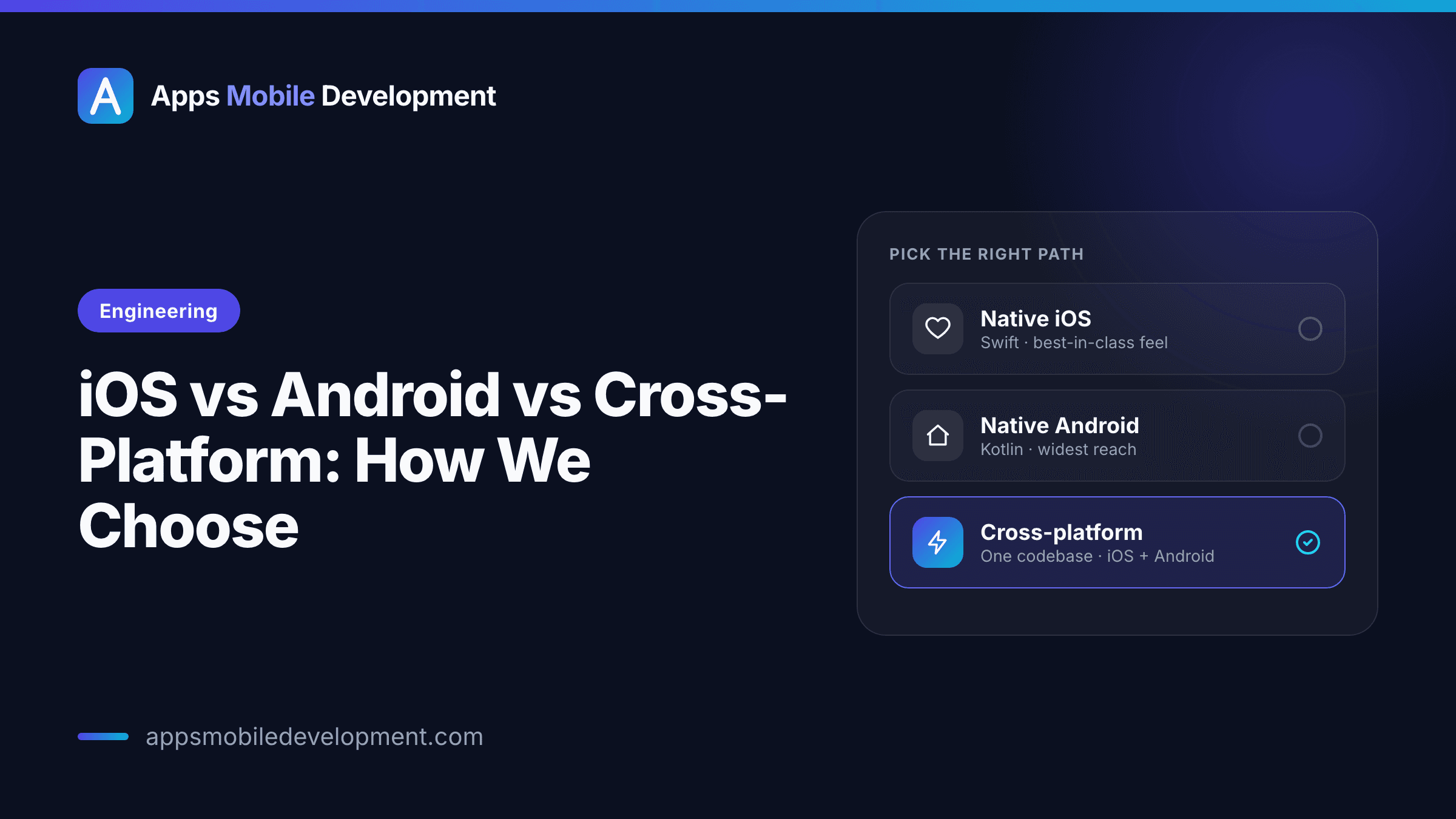 Engineering
iOS vs Android vs Cross-Platform: How We Choose
An honest engineering decision guide. The real question isn't which platform is best — it's what fits your audience, budget, and roadmap. Here's the framework we use.
Marcus Lee7 min read
Ready to turn an idea into an app?
Tell us what you're building. We'll give you an honest read on scope, budget, and timeline.