iOS vs Android vs Cross-Platform: How We Choose
An honest engineering decision guide. The real question isn't which platform is best — it's what fits your audience, budget, and roadmap. Here's the framework we use.
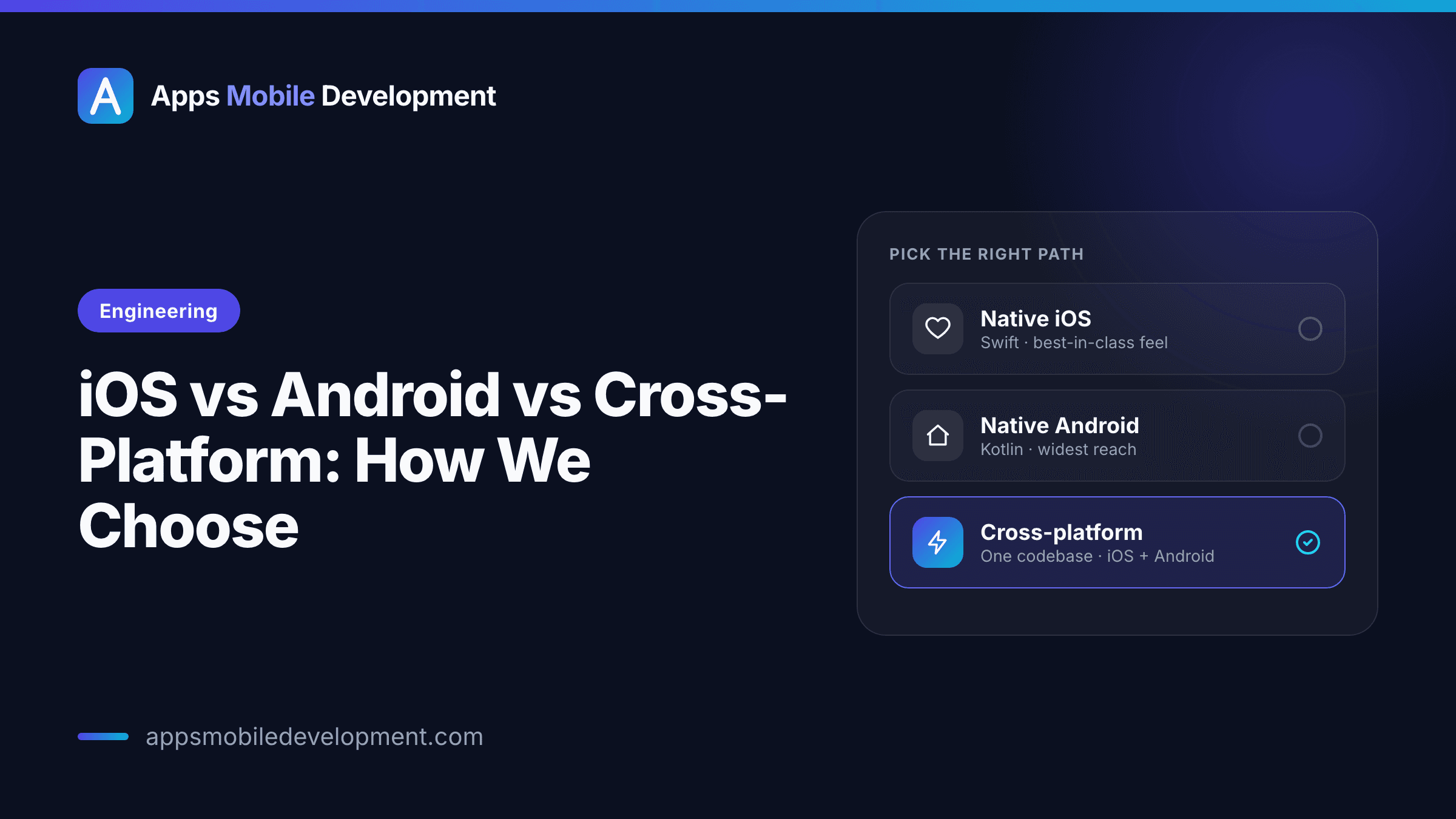
"Should we build native or cross-platform?" is one of the first questions almost every client asks, and it is the wrong one to lead with. There is no globally correct answer, only a correct answer for your audience, your budget, and where your product is going over the next two years. A choice that is obviously right for a hardware-heavy fitness wearable companion is obviously wrong for a two-sided marketplace MVP with eight weeks of runway.
This guide lays out the three real options without tribalism. I write Kotlin and Jetpack Compose daily and ship React Native when a single codebase is the right call, so I have skin on more than one side of this argument. The goal here is to give you the same decision framework we use internally, so the recommendation you eventually get makes sense rather than sounding like a preference.
The three options, honestly
Native iOS — Swift and SwiftUI. You build specifically for Apple's platform using its own languages and frameworks. You get first-class access to every new iOS capability the day it ships, the best possible performance, and the tightest integration with system features (widgets, Live Activities, deep hardware access). The cost: this code runs only on iPhone and iPad. An Android version is a separate build.
Native Android — Kotlin and Jetpack Compose. The mirror image. Full access to Android's capabilities, excellent performance, and proper handling of the platform's reality — thousands of device models, a wide range of screen sizes, and a long tail of older OS versions you often still need to support. Again, this code does not run on iOS.
Cross-platform — React Native (often with Expo), or Flutter. One codebase that runs on both iOS and Android. React Native renders real native UI components and is a natural fit for teams who already think in JavaScript/TypeScript and React; Expo removes much of the build-tooling pain and speeds up the early going considerably. Flutter takes a different approach — it draws its own UI with a high-performance rendering engine and uses the Dart language — and produces very consistent, polished results across platforms. Both are mature, production-grade choices in 2026. The tradeoff with any cross-platform approach: for the deepest hardware features or the most demanding graphics, you may still drop down to native code, and you are one dependency removed from the platform vendors.
A myth worth killing: cross-platform is not "the cheap, worse option." For a large class of apps — content, commerce, social, productivity, most CRUD-over-an-API products — a well-built React Native or Flutter app is indistinguishable from native to the user and meaningfully cheaper to build and maintain. It is the wrong tool for a specific set of problems, not a wrong tool in general.
The factors that actually decide it
Your audience's platform split
Start here, because it constrains everything else. If 90% of your users are on iPhone (common for certain US consumer and premium products), spending half your budget on an Android build at launch is hard to justify. If you are targeting markets where Android dominates — much of Asia, Africa, Latin America, and a lot of Europe — the reverse holds. If you genuinely need both from day one to be credible, that pushes you toward cross-platform or a bigger budget. Get real numbers if you can: your website analytics are usually a decent proxy.
Budget: one codebase or two
This is the bluntest lever. Two native apps means roughly two client-side builds — not exactly double, since design and backend are shared, but the app code and testing roughly duplicate, and so does the ongoing maintenance. Cross-platform shares the large majority of one codebase across both stores. If your budget is fixed and modest, that maths often makes the decision for you. Maintenance is the part people forget: every OS update, every dependency bump, every bug fix lands once in cross-platform and twice in native.
Performance and hardware needs
This is where native earns its keep. Reach for native — or at least plan for native modules — when the app's core depends on:
- Sustained heavy graphics — complex 3D, custom rendering, demanding games.
- AR — ARKit and ARCore work best from native, and Flutter in particular has weaker first-party AR support.
- Deep or continuous hardware use — advanced camera control, low-level Bluetooth/BLE, sustained background sensor work.
- Serious background processing — both OSes restrict background execution aggressively, and squeezing reliable behaviour out of it is easier with full platform access.
If none of these is central to your product, performance is rarely the deciding factor. The honest version: most apps are not performance-bound, they are correctness- and design-bound.
Team and long-term maintenance
Who maintains this after launch matters as much as who builds it. A team that already lives in TypeScript and React will be productive in React Native immediately. An organisation with existing native iOS or Android engineers should weigh that. There is little point choosing a stack your future team cannot hire for or support. For a solo founder who will eventually bring development in-house, the size and accessibility of the hiring pool is a legitimate input.
Time to market
If speed is the dominant constraint, one cross-platform codebase reaching both stores at once is usually the fastest path to "in users' hands on both platforms." Expo in particular shortens the early ramp. If you only need one platform first, a focused native build can be just as fast, with the bonus of zero abstraction between you and the OS.
When to start single-platform regardless
Often the smartest move, especially pre product-market fit, is to ship one platform first — native or cross-platform — learn from real users, then expand. Launching iOS-only or Android-only is not cutting a corner; it is concentrating a limited budget on the audience that matters most and reducing the surface area you have to get right. Plenty of now-large apps started on one platform deliberately.
How they compare
| Approach | Relative cost (both platforms) | Performance ceiling | Time to market (both stores) | Best for | | ------------------------------- | ------------------------------------- | ----------------------------------------------- | ---------------------------- | --------------------------------------------------------- | | Native iOS (Swift/SwiftUI) | iOS only; Android is a separate build | Highest | Fast for iOS alone | iPhone-heavy audience; deep iOS features | | Native Android (Kotlin/Compose) | Android only; iOS is a separate build | Highest | Fast for Android alone | Android-heavy markets; wide device range | | React Native / Expo | Lower — one shared codebase | High for most apps; native modules for the rest | Fastest to both stores | Content, commerce, social, most CRUD apps; TS/React teams | | Flutter | Lower — one shared codebase | High; very consistent UI | Fastest to both stores | Highly polished, identical-looking apps across platforms |
Treat the cost column as direction, not a quote — actual figures depend far more on feature scope than on stack.
The same logic, as a decision path you can walk top to bottom — each question nudges you toward native, cross-platform, or a single-platform start:
Engineering
iOS vs Android vs cross-platform: the decision path
Is your audience ~80%+ on one platform, and budget tight?
Yes — skewed & budget-consciousGo nativeNo — genuinely need bothGo cross-platformDoes the core need heavy graphics, AR, deep BLE, or background work?
Yes — performance-criticalGo nativeNo — most apps aren'tGo cross-platformWhat does your team look like, now and after launch?
Existing native engineersGo nativeReact / TypeScript backgroundGo cross-platformHow tight are budget and time, across both platforms?
Comfortable, or one platformGo nativeTight on both, need bothGo cross-platformCould you validate on one platform first?
Almost always yes, pre-PMFStart single-platform
Run the five and the answer is rarely ambiguous — the “50/50” cases usually resolve once you’re honest about the audience split and whether any feature truly needs native.
How we'd actually decide for you
Stripped to its essentials, here is the path we walk:
- What is your audience's platform split? Strongly skewed (≈80%+ one platform) and budget-conscious → start native on that platform. Genuinely need both at launch → continue.
- Does the core experience need heavy graphics, AR, deep BLE, or serious background work? Yes → native (or cross-platform with native modules planned for those parts, eyes open). No → cross-platform is firmly on the table.
- What does your team look like now and after launch? Existing native engineers → lean native. A React/TypeScript background, or building to hire generalists → React Native is a strong fit.
- How tight is budget and time? Tight on both, need both platforms → cross-platform. Comfortable, or single-platform launch → native is very attractive.
- Could you validate on one platform first? Almost always yes pre-PMF — and doing so usually beats spreading the same money across two platforms thinly.
Run those five and the answer is rarely ambiguous. The cases that feel genuinely 50/50 usually resolve once we get honest about the audience split and whether any feature truly needs native — and "we might want a watch app someday" is not, by itself, that feature.
If you are weighing this up and the trade-offs feel finely balanced, that is exactly the kind of thing a short call sorts out quickly. Tell us your audience and your three must-have features and we can usually point you to the right stack in one conversation.

Written by
Marcus Lee
Android & Cross-Platform Engineer
Marcus builds Android apps in Kotlin and Jetpack Compose and ships cross-platform with React Native when a single codebase is the right call. His background includes senior mobile engineering and platform work on offline-first, sync-heavy apps. He cares about clean architecture and apps that stay maintainable past v1.
More from the blog
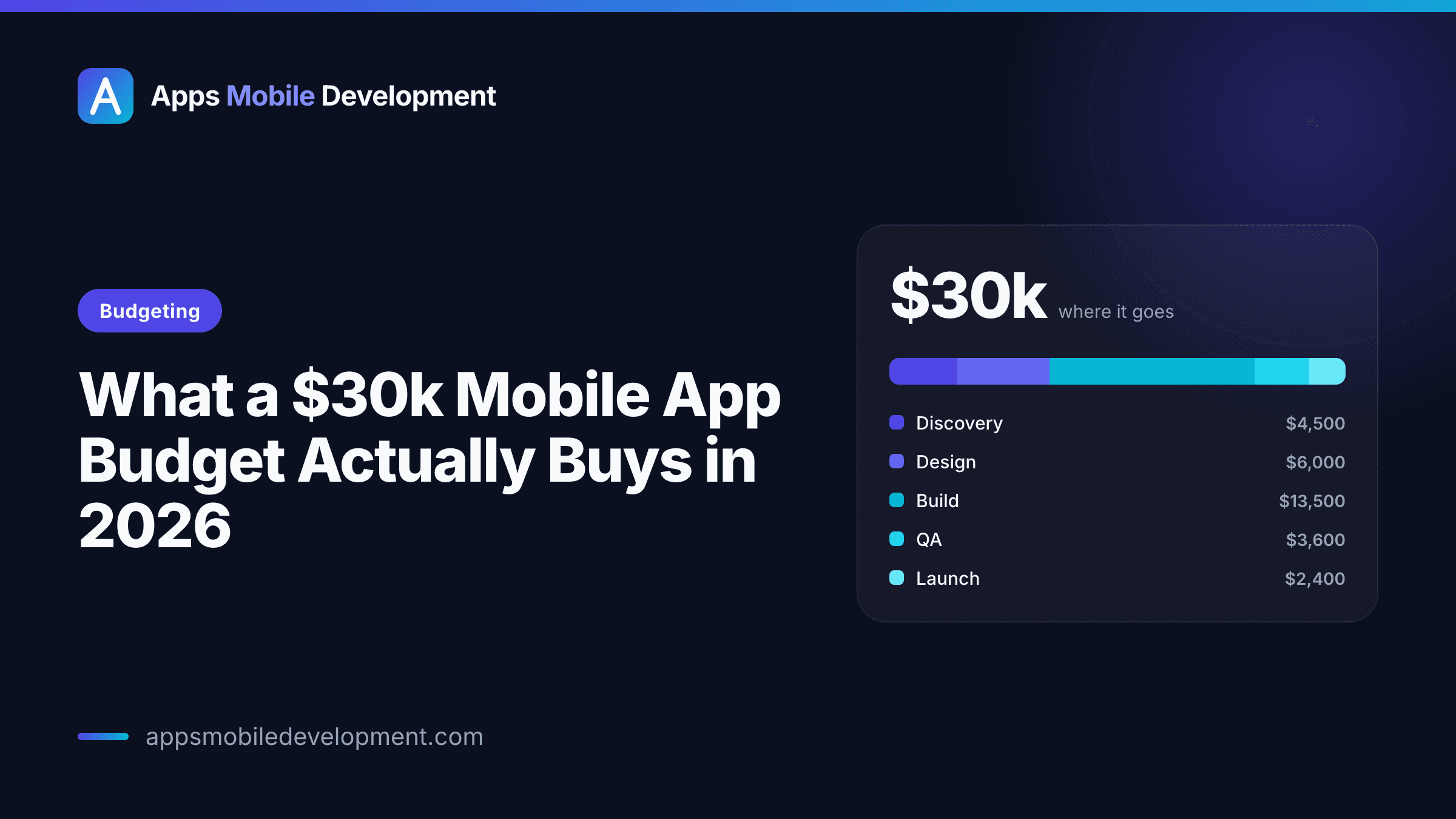 Budgeting
What a $30k Mobile App Budget Actually Buys in 2026
A frank breakdown of what USD 30,000 realistically gets you for a mobile app in 2026 — where the money goes, what a 30k scope can and can't include, and how to make it stretch.
Alex Rivera7 min read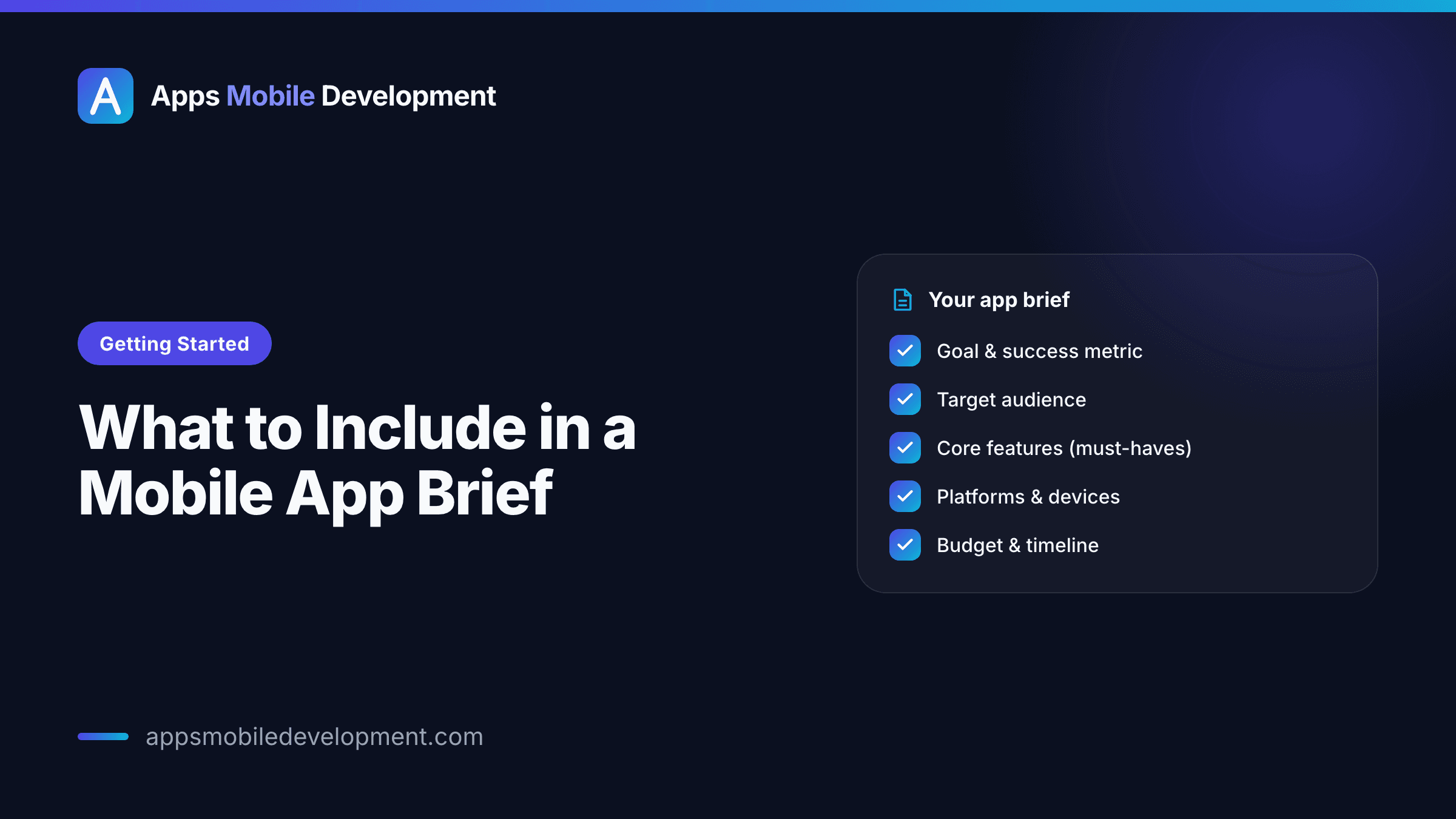 Getting Started
What to Include in a Mobile App Brief
A practical, no-fluff guide to writing a mobile app brief that gets you an accurate quote instead of a vague range — what to include, what to leave out, and a checklist to copy.
Priya Shah8 min read
Ready to turn an idea into an app?
Tell us what you're building. We'll give you an honest read on scope, budget, and timeline.