WellPath — Telehealth Appointments Without the Friction
A cross-platform telehealth concept for booking, joining, and following up on virtual appointments — designed for calm, clarity, and compliance.
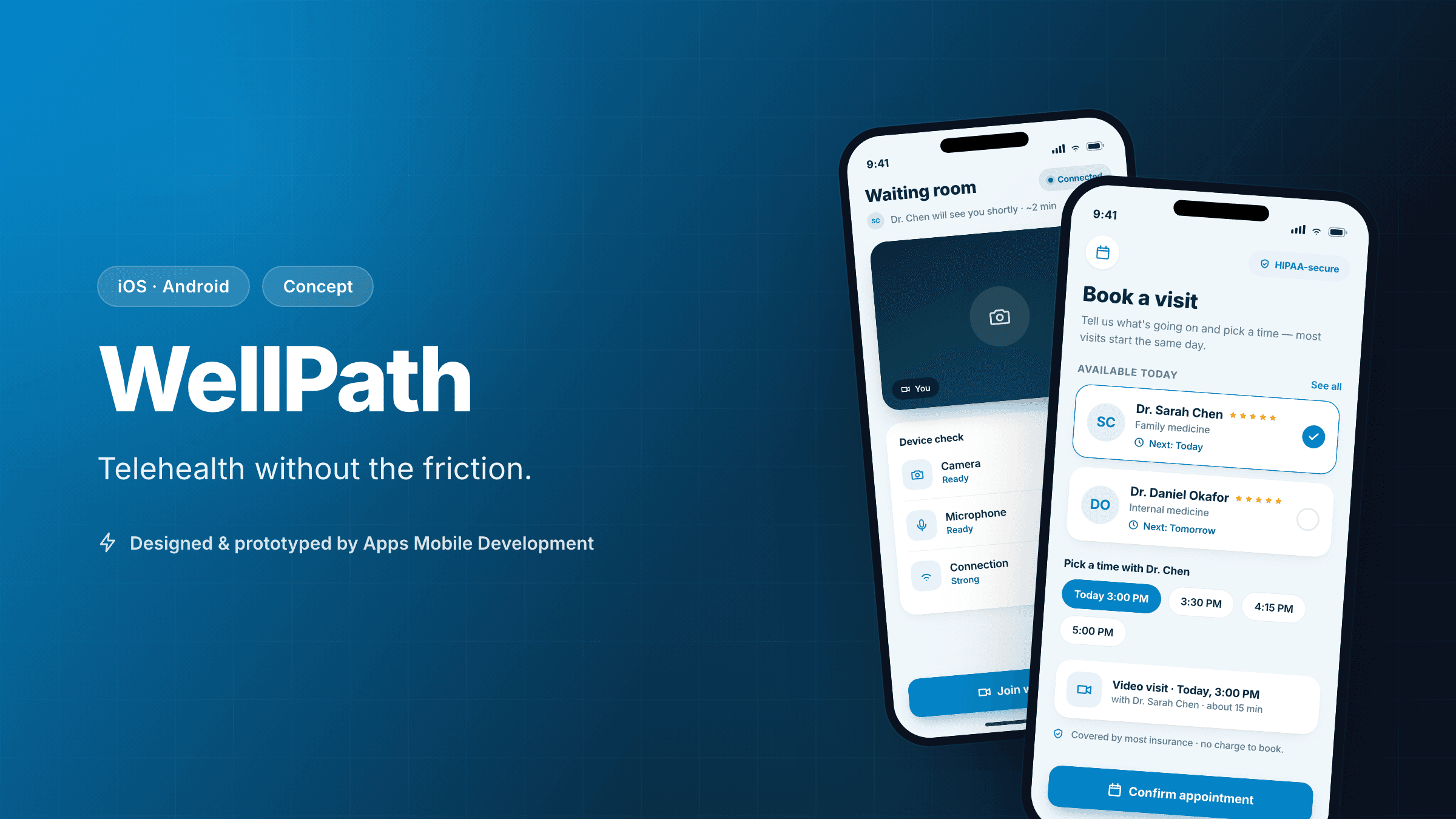
Concept project. WellPath is a self-directed build. We chose telehealth precisely because it's a domain where trust, accessibility, and compliance are non-negotiable — a good test of how we work. There's no client or patient data involved; everything below is illustrative and labelled as projected. This concept is not a medical device and was not clinically validated.
The challenge
Telehealth lives or dies on two moments: booking a visit and actually getting into the call. Patients abandon clunky booking flows, and nothing erodes trust like fumbling with a camera permission while a clinician waits. On top of that, anything touching health data carries real obligations — privacy, accessibility, and platform review scrutiny that a consumer app never faces.
The challenge we set WellPath: design a telehealth experience calm and clear enough for an anxious or older patient to use on the first try, on both iOS and Android, with privacy and compliance designed in from the first screen rather than retrofitted before launch.
Our approach & process
Health apps punish teams that treat compliance and accessibility as a final-stage checklist. We front-loaded both.
- Define the regulated reality first. In discovery we mapped where sensitive data would live and flow, and set ground rules — data minimisation, encryption in transit and at rest, explicit consent — before designing a single screen. On a real engagement this is where we'd bring in legal/clinical input; for the concept we designed to the principles.
- Design for the least confident user. We deliberately designed for an anxious, less tech-comfortable patient on an older device. If the flow works for them, it works for everyone. That framing shaped type sizes, language, and error handling throughout.
- Kill the two failure moments. We gave outsized design attention to the booking flow and the pre-visit "waiting room," because those are the two points where patients drop off or arrive flustered. A connection and device check before the visit is the single highest-value screen in the app.
- Cross-platform with a hard look at video. A single React Native + Expo codebase was right for the booking, messaging, and records UI. Real-time video is the part where cross-platform earns scrutiny, so we scoped WebRTC integration explicitly and noted where a native module might be needed — rather than hand-waving the hardest feature.
- Plan for the store-review gauntlet. Health apps face stricter App Store and Play review. We folded store-readiness — permissions usage strings, privacy disclosures, account deletion — into the plan from the start, which is exactly the kind of maintenance-and-ops thinking that prevents a launch-day rejection.
Design rationale
- Two taps from notification to visit. An appointment reminder leads straight into the waiting room and device check. We measured the journey in taps because every extra step is a chance for a stressed patient to give up or be late.
- A real waiting room. Before the clinician joins, the patient sees a clear camera/mic/connection check with plain-language fixes. This is borrowed from the best in-person clinics: reduce uncertainty before the appointment starts.
- Accessibility as a clinical requirement. Large Dynamic Type, full screen-reader support on core flows, generous contrast, and no time-pressured interactions. In healthcare, accessibility isn't a nice-to-have — excluding users with disabilities or older patients defeats the purpose.
- Calm visual language. Restrained colour, lots of breathing room, and reassuring microcopy. The accent colour is reserved for the single primary action on each screen, so "what do I do next?" is never ambiguous.
- Clear after-care. The post-visit summary collects notes, any prescription, and next steps in one place, so the value of the appointment doesn't evaporate the moment the call ends.
Projected outcomes
These are illustrative projections for a concept, not outcomes from a deployed clinical product.
- iOS + Android coverage — a fact of the architecture: shared TypeScript across booking, records, and messaging, with video handled by a clearly scoped real-time layer.
- 2 taps to join from a notification — a met design constraint, demonstrable in the prototype.
- ≈25% no-show reduction (projected) — a plausible target if reminders plus a frictionless join flow work as intended, benchmarked against typical telehealth no-show rates. It is a hypothesis to test in a real pilot, never a guarantee.
What we'd validate next
- Clinical and compliance review. Before anything near real patients, the data model and flows need proper clinical, legal, and regulatory review (HIPAA/GDPR as applicable). The concept is designed to those principles; it has not been certified.
- Video reliability across networks. Telehealth video has to hold up on poor mobile connections. We'd stress-test WebRTC on constrained networks and older devices and decide honestly whether a native module is warranted.
- The no-show hypothesis. We'd run a real pilot measuring whether the reminder-plus-easy-join design actually moves no-show rates, rather than assuming it.
- Accessibility with real users. We'd run usability sessions specifically with older patients and assistive-technology users — the people this design is most for — before calling it done.
For a new studio, telehealth is a deliberate choice of showcase: it proves we can reason about compliance, accessibility, and the hard real-time feature honestly, and that we know exactly what we'd need to prove before going live.
Design showcase
Concept screens illustrating the core flows and design direction.
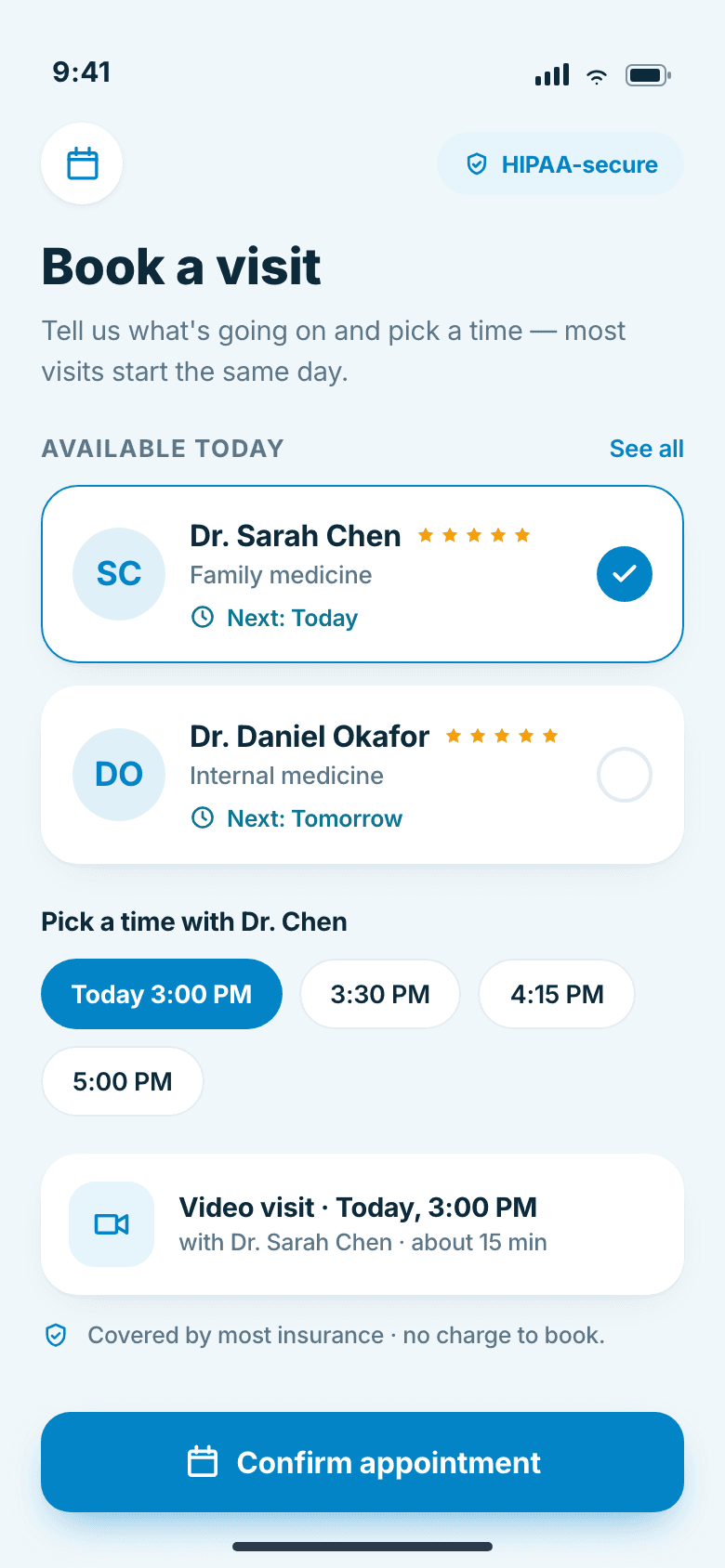
Appointment booking screen showing available clinicians and time slots
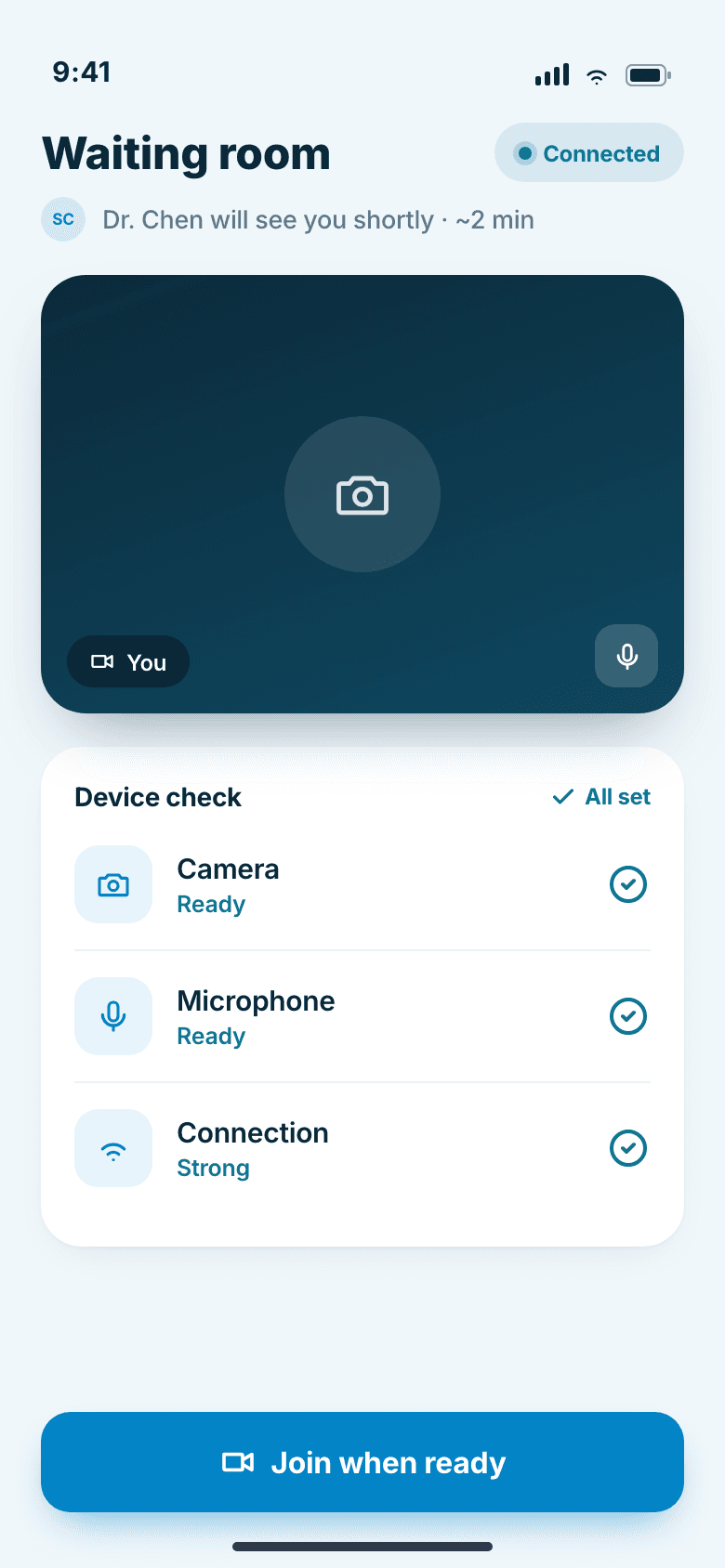
Pre-visit waiting room with a clear device and connection check
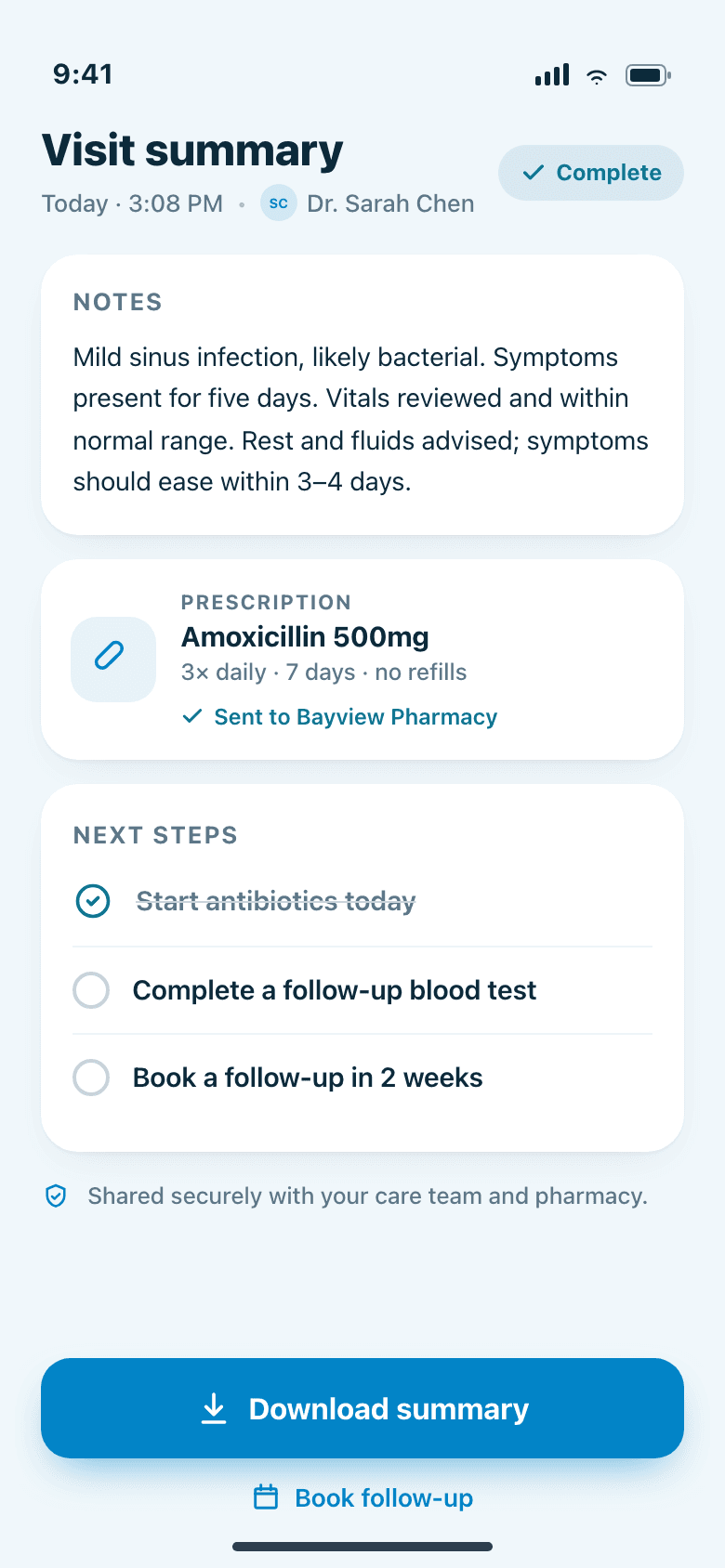
Post-visit summary with notes, prescriptions, and next steps
By the numbers
These figures are illustrative targets for the concept, not measured results from a live release.
- Platforms targeted
- iOS + Android
- Taps to join a visit
- 2 from notification
- Target no-show reduction
- ≈25% (projected)
More work
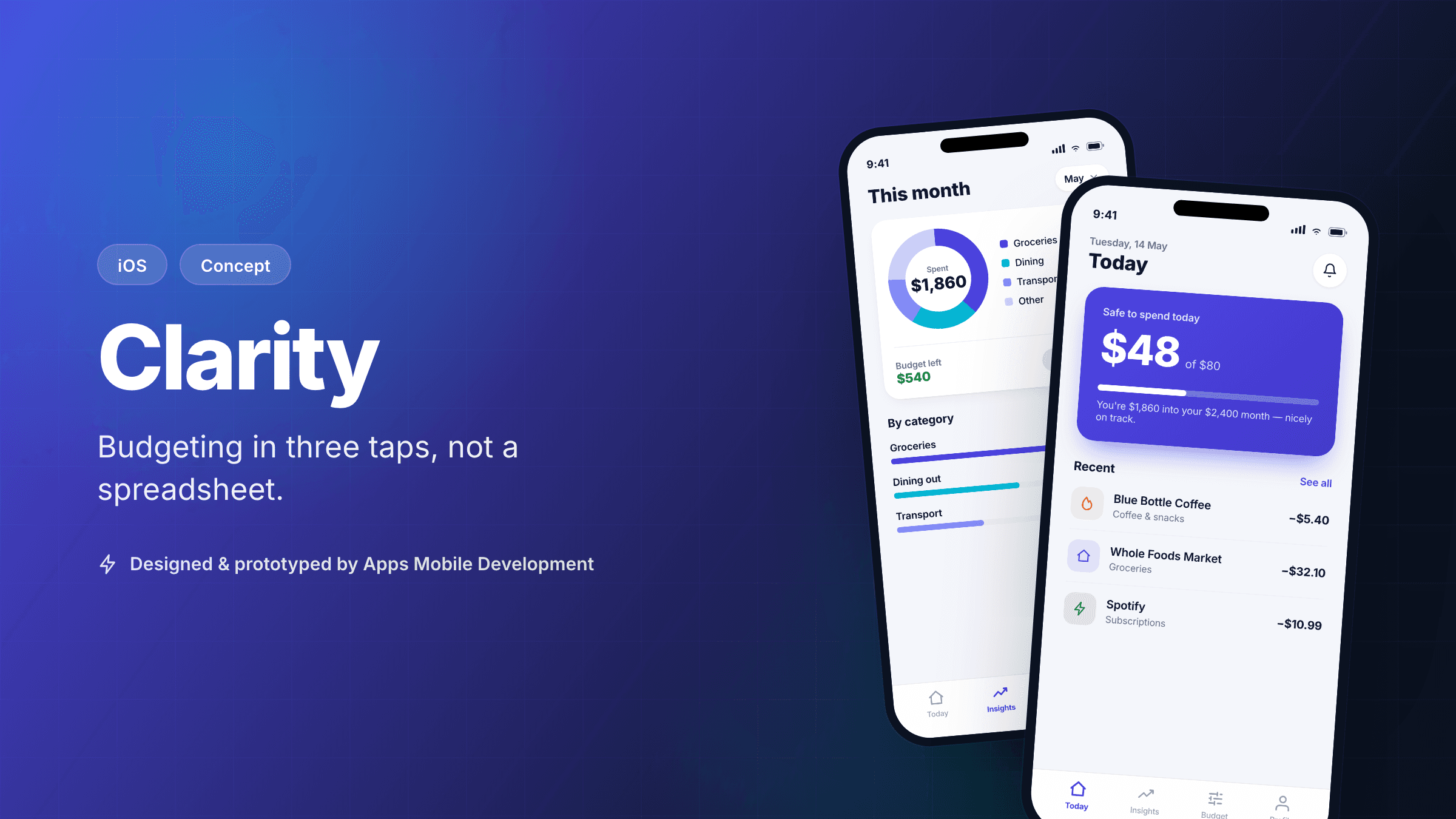 ConceptiOS
Clarity — A Calm Personal Budgeting App
A self-directed iOS concept that makes day-to-day budgeting take three taps, not a spreadsheet.
View case study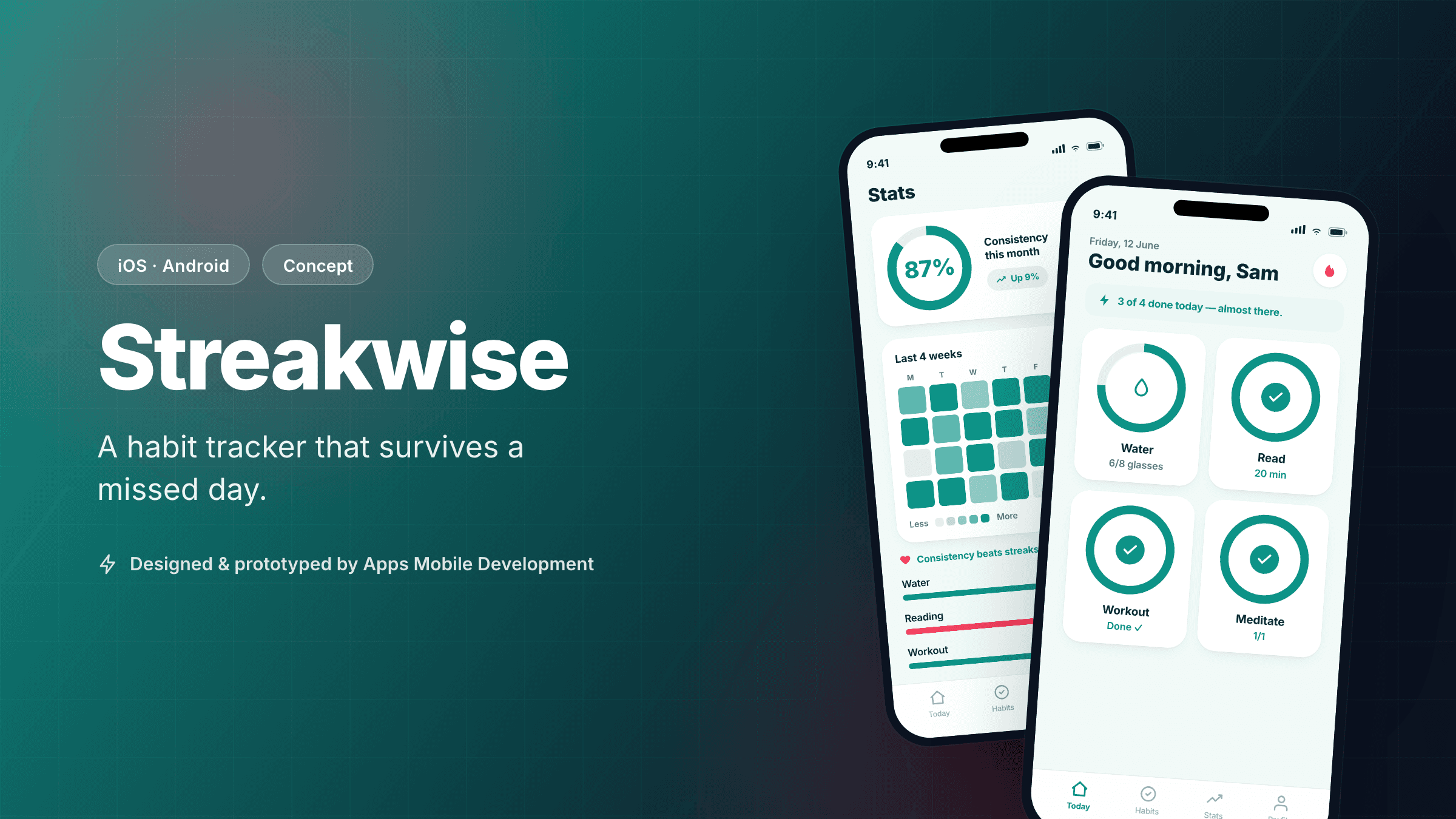 ConceptCross-platform
Streakwise — A Habit Tracker That Survives a Missed Day
A cross-platform habit-tracking concept designed around recovery, not guilt, shipped from one React Native codebase.
View case study
Interested in a similar app?
Tell us about your idea. We'll give you an honest, no-pressure read on what it would take to build it.