Clarity — A Calm Personal Budgeting App
A self-directed iOS concept that makes day-to-day budgeting take three taps, not a spreadsheet.
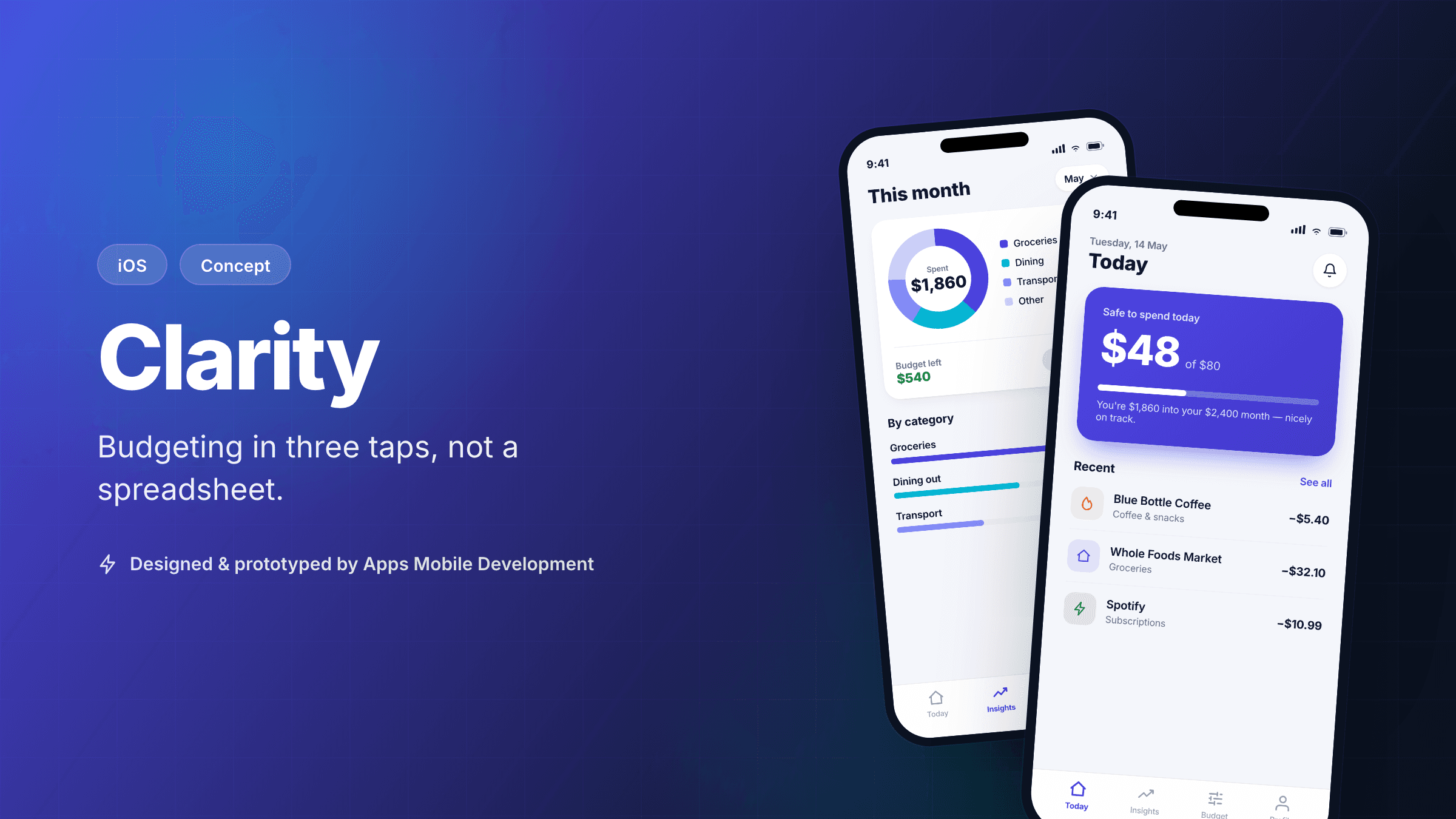
Concept project. Clarity is a self-directed build we created to demonstrate how we approach a consumer iOS product end to end — from problem framing to a shippable architecture. There is no client; the goals, constraints, and "results" below are illustrative and clearly labelled as projected. We're showing our process, not a delivered engagement.
The problem
Most budgeting apps fail the same way: they ask people to do accounting. You categorise transactions, reconcile accounts, and stare at pie charts that tell you what already happened. For the large group of people who just want to know "can I spend this right now?", that's far too much overhead. They download the app in a burst of motivation, log expenses for four days, and quit.
We set Clarity a deliberately narrow goal: answer one question, "how much is safe to spend today?", faster and more calmly than any spreadsheet or incumbent app. Everything else — multi-account sync, investments, shared budgets — was explicitly out of scope for the concept. The interesting design problem isn't adding features; it's earning trust with a single number.
Our approach & process
This is the section that matters most, because it's the part a client actually buys. We ran Clarity through the same discovery-to-build methodology we use on real engagements, just compressed and self-directed.
- Problem framing & the one job. We wrote a one-page brief that named the single user job ("decide whether today's purchase is okay") and the metric that would prove it (onboarding completion plus day-7 retention in testing). Naming one job up front is what kept scope honest later.
- Lightweight discovery. We sketched the three or four states a person is actually in when they open a money app — start of month, mid-month, payday, "uh oh". Designing for those moments, rather than for a settings-heavy power user, drove every later decision.
- Information architecture before pixels. We mapped the whole app to three tabs — Today, Insights, Settings — and stress-tested that nothing essential needed a fourth. Cutting structure early is cheaper than cutting features late.
- Prototype & pressure-test. We built a clickable SwiftUI prototype of the five core flows and walked it through the four moments above, looking for any screen that asked the user to think when it didn't have to.
- Architecture for v1, with v2 in mind. We chose an offline-first Core Data store with a clean repository layer so a future server-sync or bank-aggregation feature could slot in without a rewrite. The concept ships local-only; the architecture doesn't paint us into a corner.
We worked in one-week slices, each ending with a build you could run on a device — the same cadence we'd give a paying client.
Design rationale
A few specific decisions, and why we made them:
- One number, front and centre. The Today screen leads with a single "safe to spend" figure in large type. Everything else on that screen is secondary. The whole product thesis is that this number is trustworthy and instant, so it earns the most visual weight.
- Logging is three taps, by construction. Amount → category → done. We resisted adding notes, receipts, and tags to the primary flow; they live behind an optional "add detail" affordance so the 95% case stays frictionless.
- Calm, not gamified. No streaks, no confetti, no red "over budget" shaming. Money apps that punish you get deleted. We used the brand's indigo and a restrained palette, with colour reserved for genuinely meaningful state changes.
- Swift Charts for insights, not dashboards. The Insights tab answers "where did it go?" with one honest category chart and a short plain-language summary — not a wall of widgets.
- Accessibility from the start. Dynamic Type, VoiceOver labels on the core flows, and AA-contrast pairings were designed in, not bolted on. A finance app that breaks at large text sizes excludes exactly the people who need clarity most.
Projected outcomes
These figures are illustrative projections for a concept, not measured results from shipped software. They represent the targets we'd set and instrument if this were a real product.
- ≈85% onboarding completion — a realistic target for a three-step setup with one decision (your monthly target), benchmarked against typical drop-off in over-built finance onboarding.
- 3 taps to log an expense — this one isn't a projection, it's a design constraint we met and can demonstrate in the prototype.
- Day-7 retention as the real scoreboard — for a habit product, we'd treat week-one retention, not downloads, as the metric that decides whether the concept is working.
We'd consider the concept validated only if real users in testing hit these numbers — which is the point of building the architecture to support measurement from day one.
What we'd validate next
If a client picked Clarity up tomorrow, here's the honest list of what we don't yet know and would test before scaling scope:
- Does "safe to spend" survive irregular income? The model is clean for salaried users; freelancers and variable-income users need a usability round of their own.
- Where's the trust line on bank connection? Manual logging is private and friction-light but leaks accuracy. We'd A/B a manual-only flow against an optional aggregator (Plaid/TrueLayer-style) and watch both retention and uninstall reasons.
- Notification value vs. annoyance. A single well-timed daily nudge could lift retention or could be the thing that gets the app deleted. That's a test, not a guess.
- Monetisation fit. StoreKit is wired for a subscription, but we'd validate willingness to pay against a free tier before committing to a paywall position.
That last section is deliberately long. Being specific about what's unproven is, for a new studio, more honest and more persuasive than claiming certainty we haven't earned.
Design showcase
Concept screens illustrating the core flows and design direction.
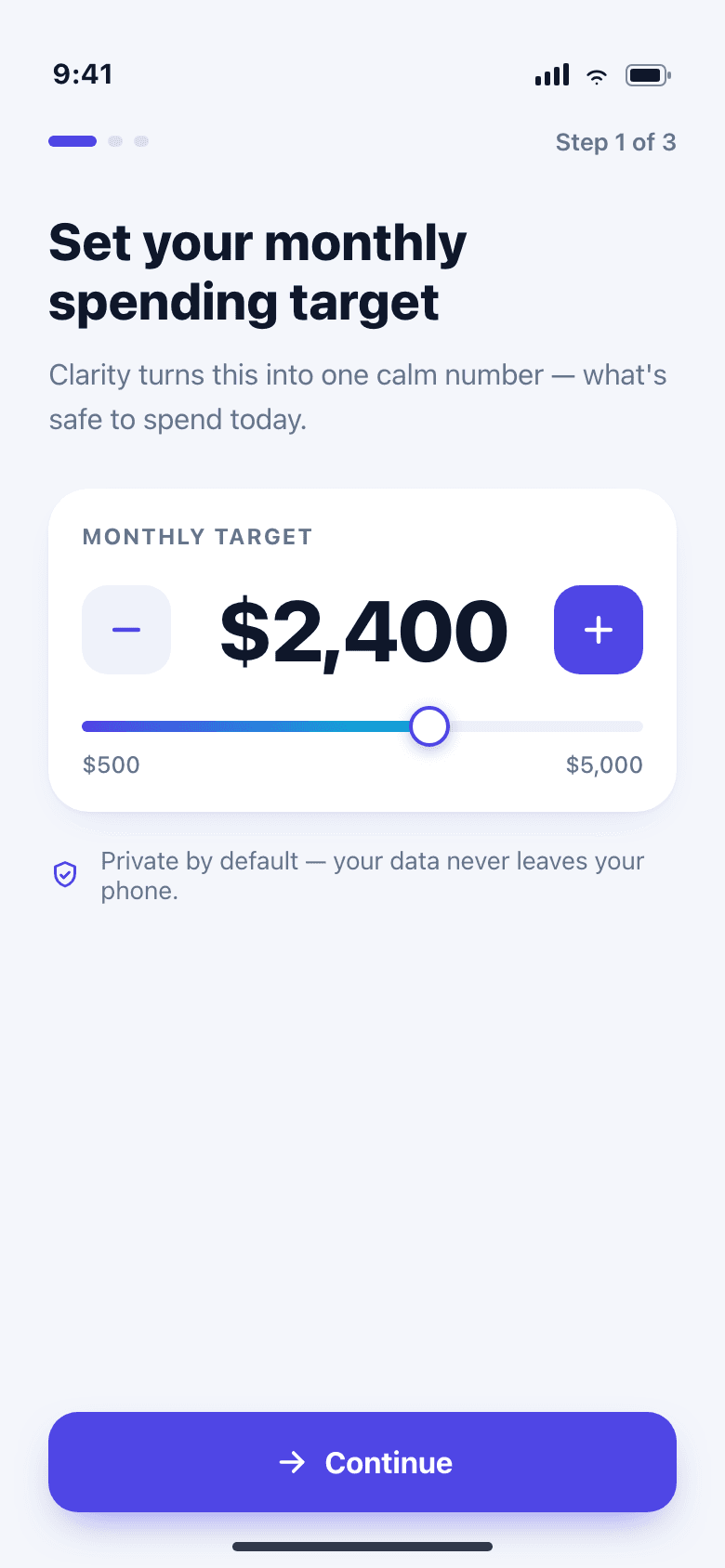
Three-step onboarding setting a single monthly spending target
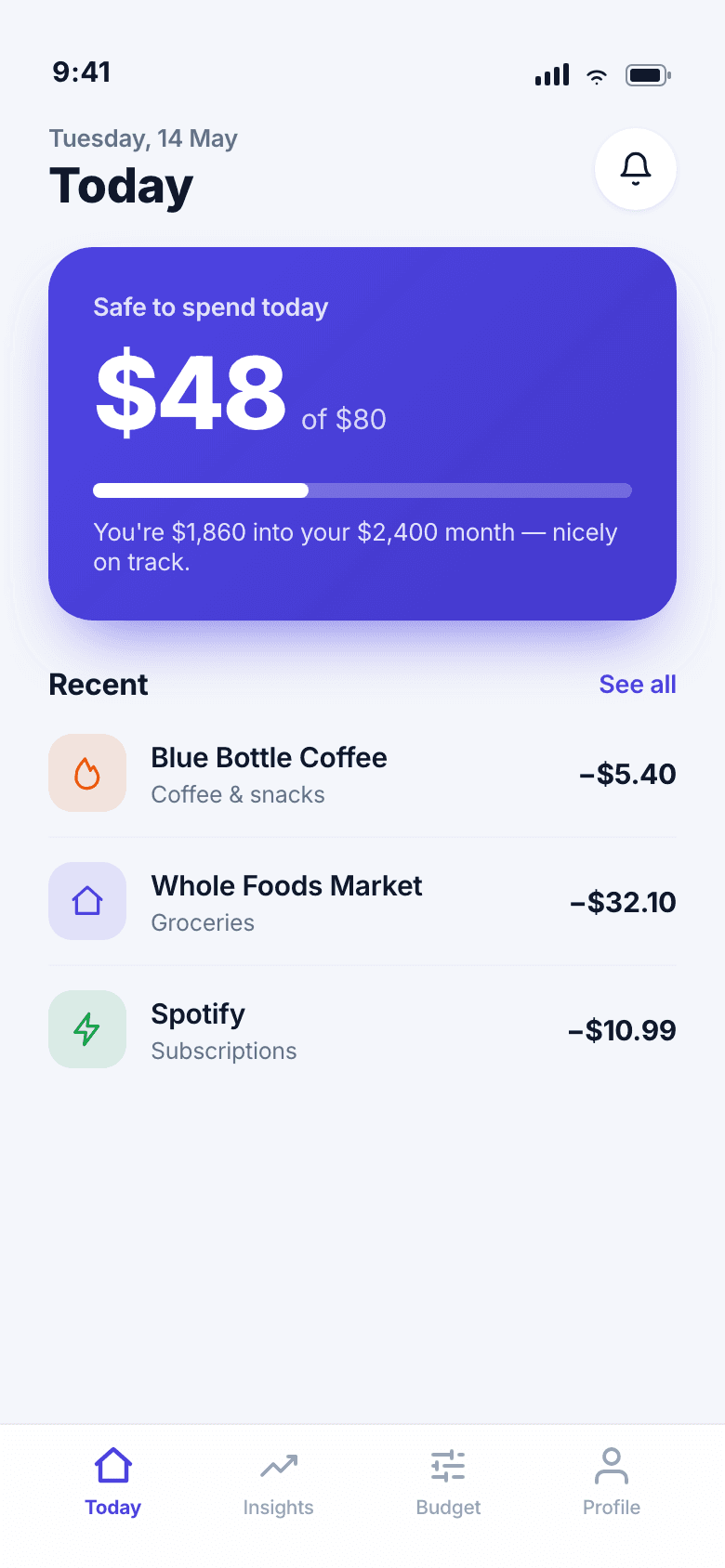
Today view showing safe-to-spend amount for the day
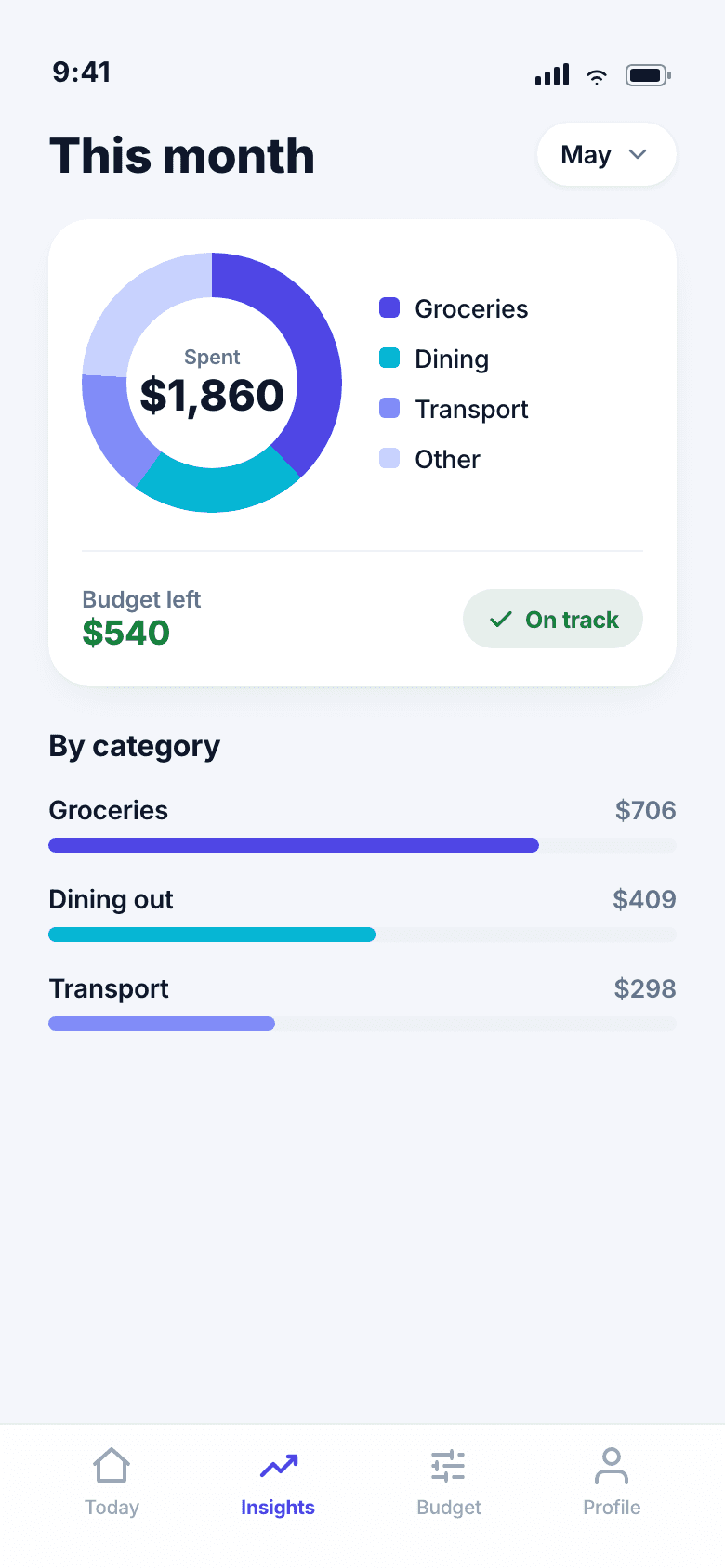
Monthly insights screen with a simple category breakdown chart
By the numbers
These figures are illustrative targets for the concept, not measured results from a live release.
- Target onboarding completion
- ≈85% (projected)
- Taps to log an expense
- 3
- Core flows designed
- 5
More work
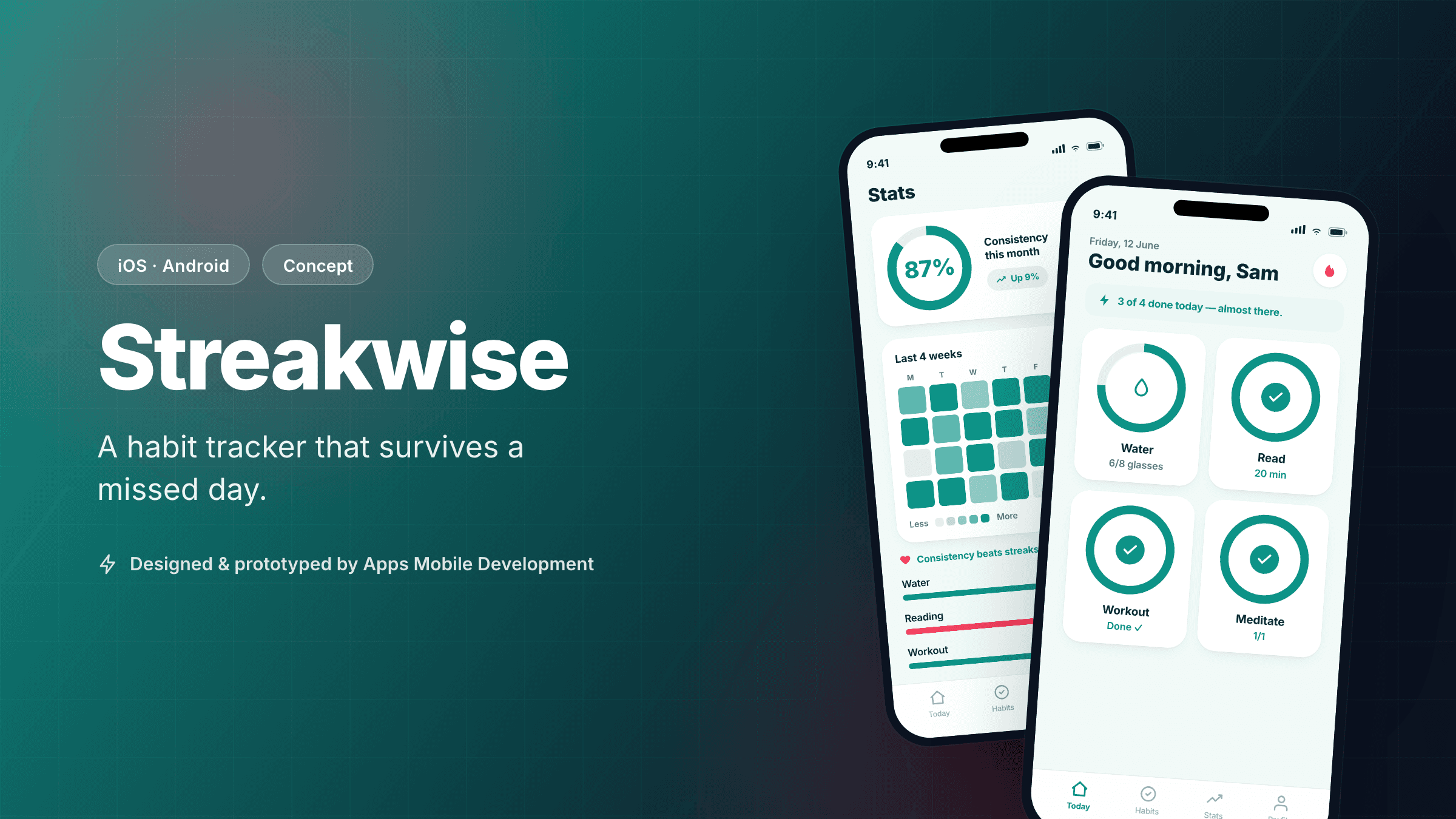 ConceptCross-platform
Streakwise — A Habit Tracker That Survives a Missed Day
A cross-platform habit-tracking concept designed around recovery, not guilt, shipped from one React Native codebase.
View case study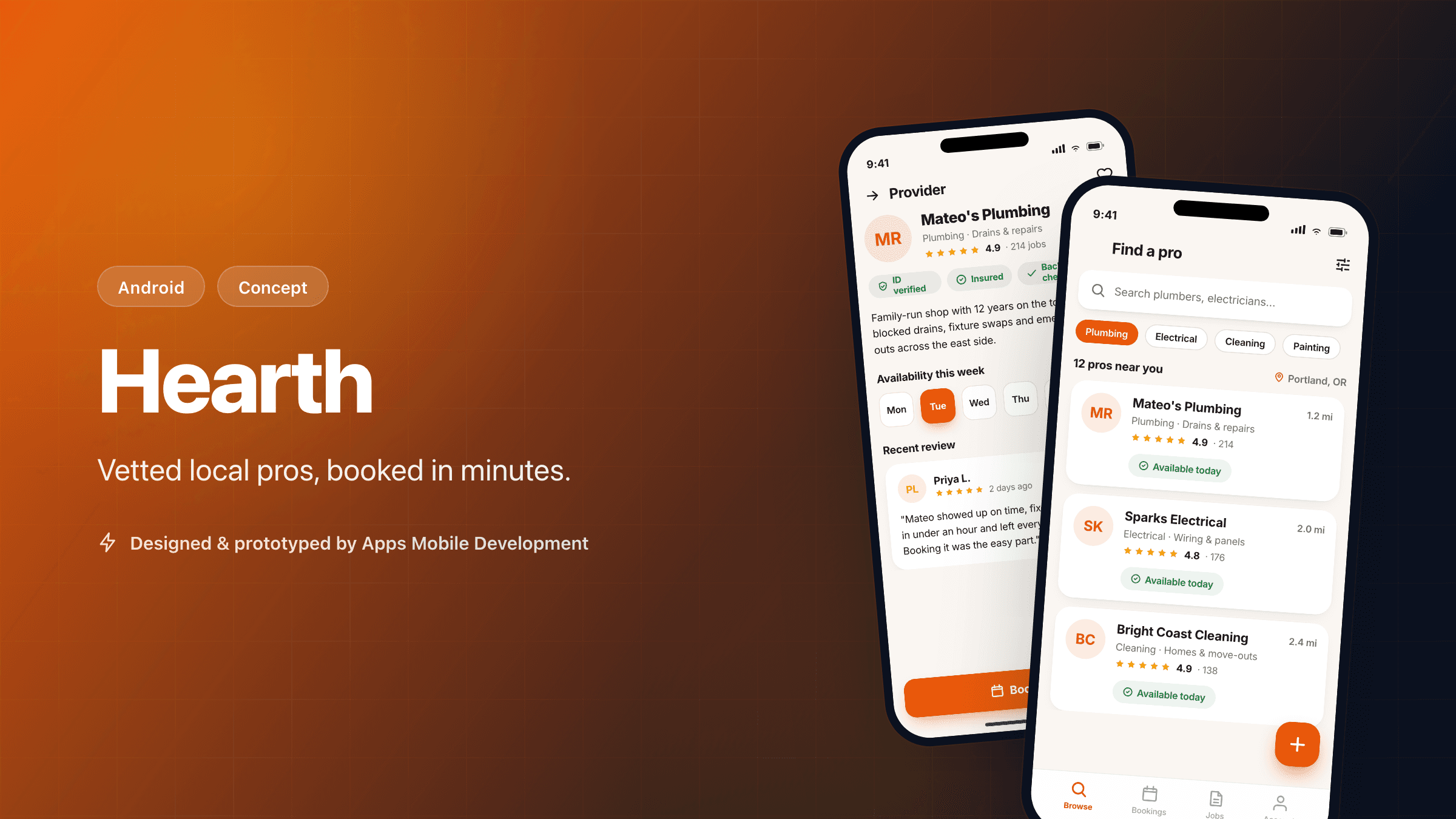 ConceptAndroid
Hearth — A Trustworthy Local Home-Services Marketplace
An Android-first concept connecting homeowners with vetted local tradespeople, built in Kotlin around trust and fast booking.
View case study
Interested in a similar app?
Tell us about your idea. We'll give you an honest, no-pressure read on what it would take to build it.